

You can add social links in the header using this option.
- Go to Appearance> Customize> General Settings > Header Social Icon Widget
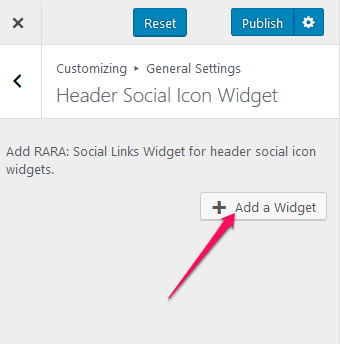
- Click “Add a Widget” button to add a Social Links Widget.
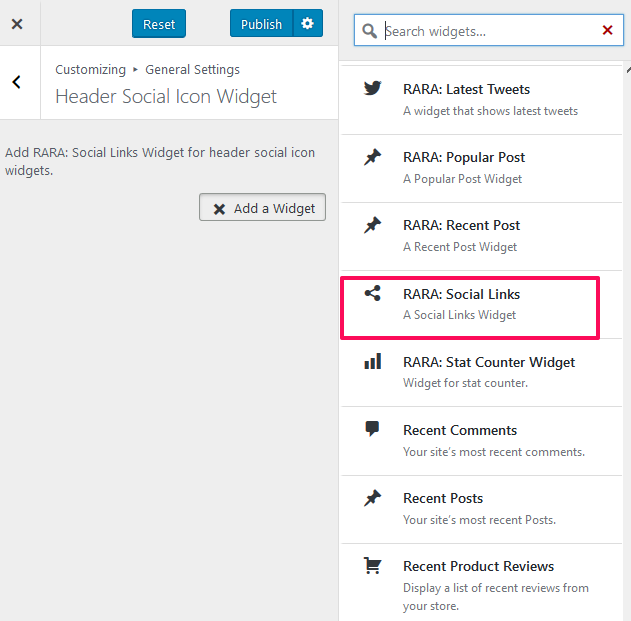
- Select “RARA: Social Links Widget” from the list of widget
- Enter Title for the Social links section of the header and then click on Add Social Icon to add social media buttons.
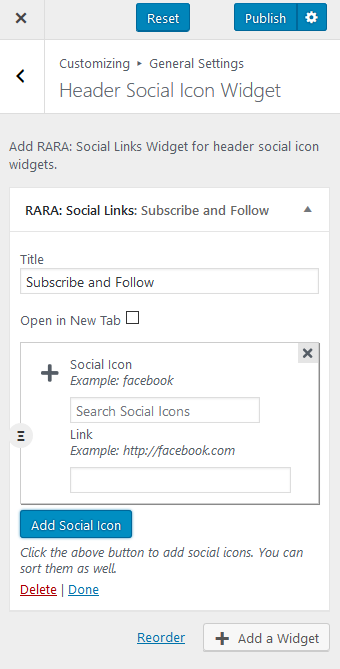
- Click Publish