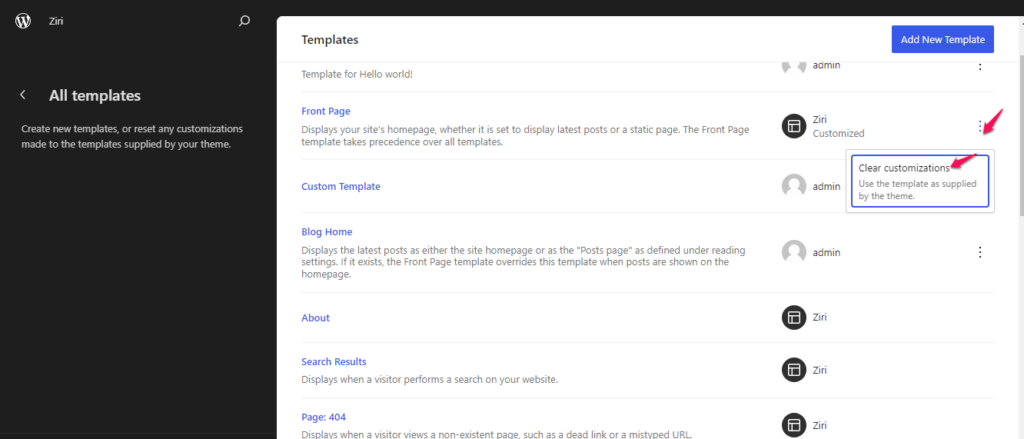
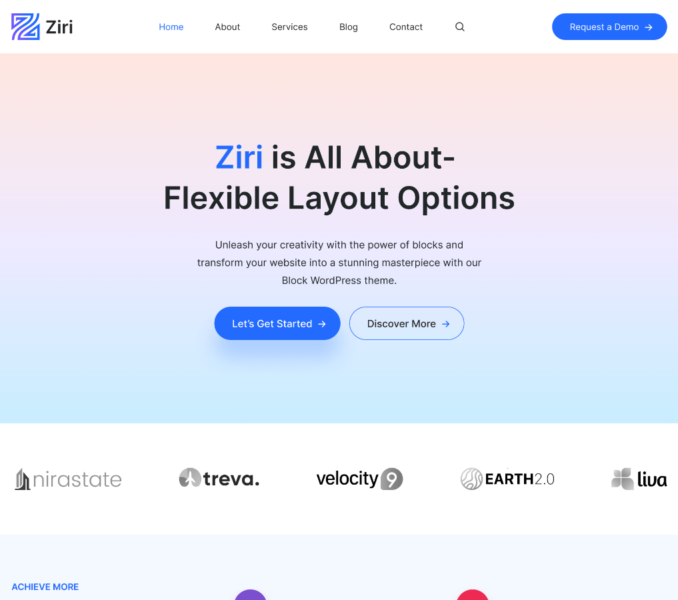
The Ziri theme imposes no restriction to its user in editing the provided Ziri Templates. But if you are not satisfied with the modifications you made at any stage and want to revert back to the default Template design then you do have the option to clear customizations from the theme templates.
For this,
- Visit Admin Dashboard > Appearance > Editor.
- Click on the Toggle Navigation icon.
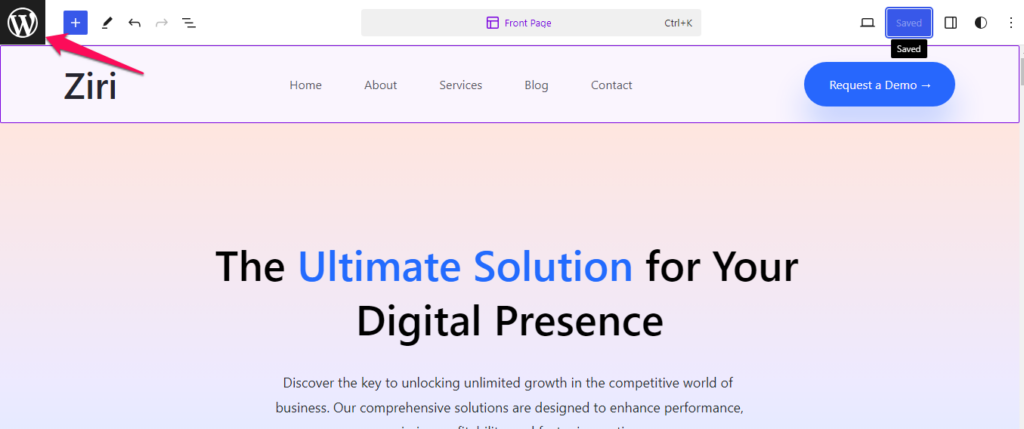
- Click on the Templates tab and then click on Manage all Templates tab.
A three dots ‘Actions’ icon will be visible for the Ziri Templates for which the customizations has been made.
- Click on the Actions icon of the Template for which you want to clear the customization and then click on the Clear customizations option.