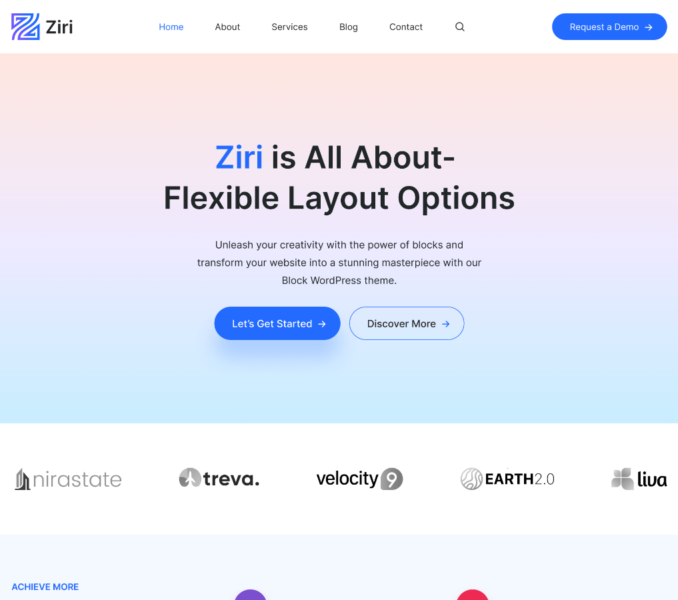
The Ziri Pro is a premium plugin that adds to the functionalities of the Ziri free theme. Via this plugin, you can get access to the premium starter templates and a lot of features that extend your scope for customization while using the Ziri theme.
You can follow the below steps to install and activate the Ziri Pro plugin on your website:
- Purchase and download the Ziri Pro plugin from here.
- Login to your WordPress website
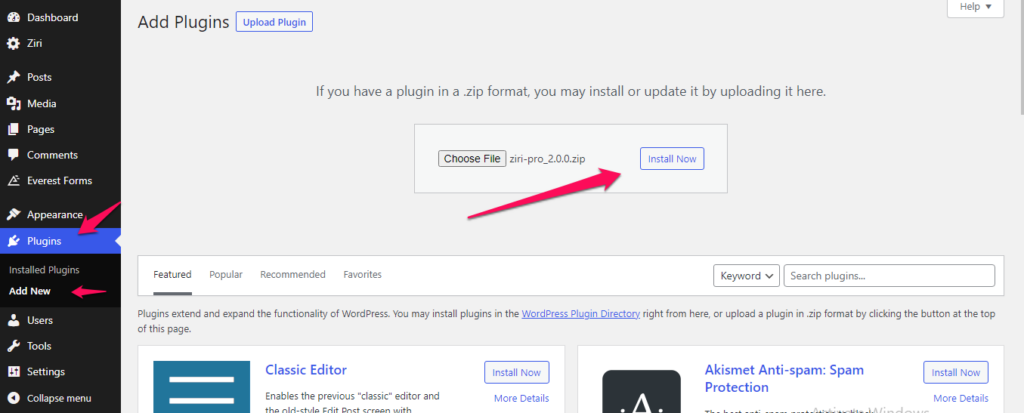
- Navigate to Plugins > Add New
- Now click on Upload Plugin button
- Chose the .zip file you downloaded earlier and click Install Now
- After the plugin is installed click on Activate button