
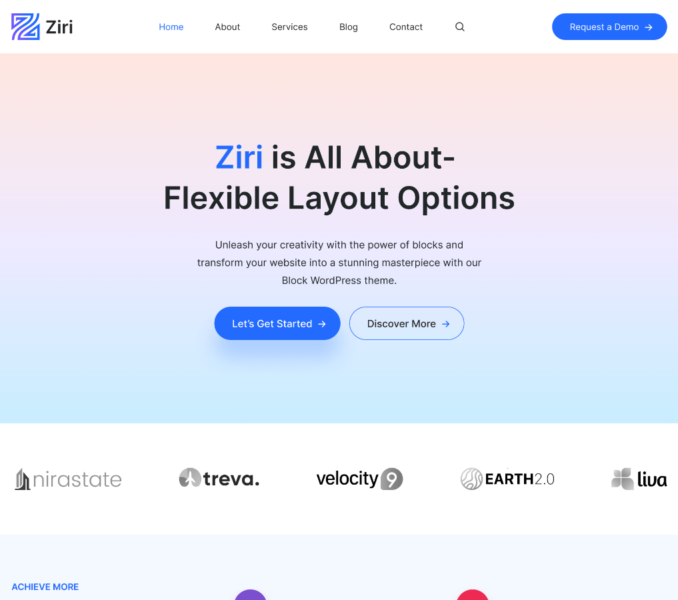
You can select colors for different elements of your website via the Colors Settings. For this, navigate to Admin Dashboard > Ziri > Settings > Colors.

Primary Color: Select the Primary color for your website.
Secondary Color: Choose a Secondary color for your website here.
Text Color: Select a color for all the general site text.
Heading: Select a color for all the site headings.
Accent Color One: You can set the accent color one for the background color of all the sections.
Accent Color Two: You can set the accent color two for the background color of templates.
Background: Select a background color to apply for the entire website.