
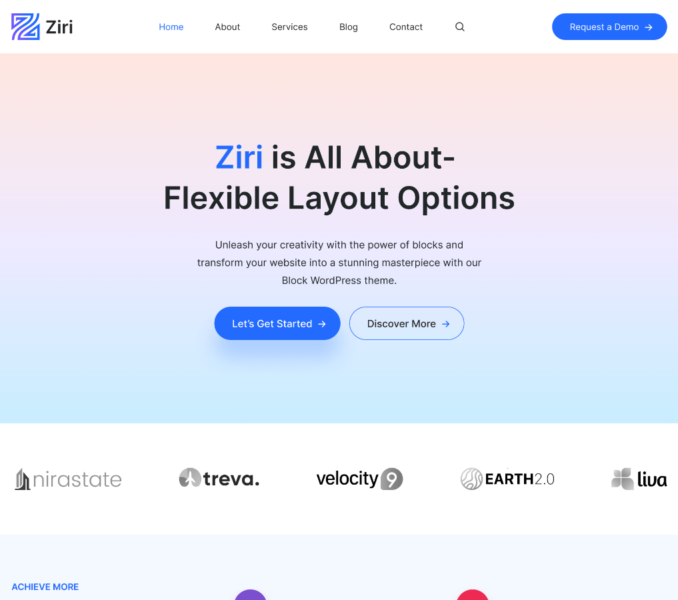
You can access the Ziri Dashboard via Admin Dashboard > Ziri.
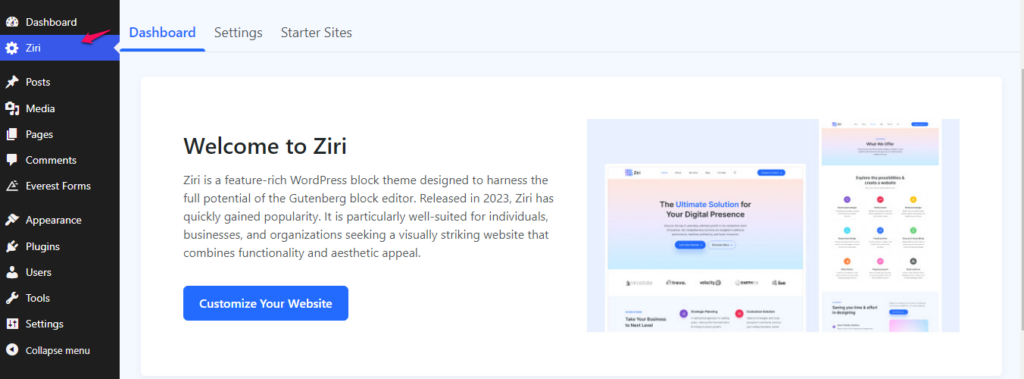
Ziri Dashboard provides you one-way access to everything related to the theme. You can find features that are provided under the three tabs of the Ziri Dashboard namely – Dashboard, Settings and Starter Sites.
Here is a brief explanation of each tab:
Dashboard tab – From this tab, you can also enter the license key for the Ziri Pro plugin. The link of Theme Documentation and Support channel are also provided under this section.
Settings – From this tab, you can easily access some customizer shortcuts like Color options, Container Width , Custom Script and Custom CSS code.
Starter Sites – You can browse all the Ziri Starter Templates from this tab.