
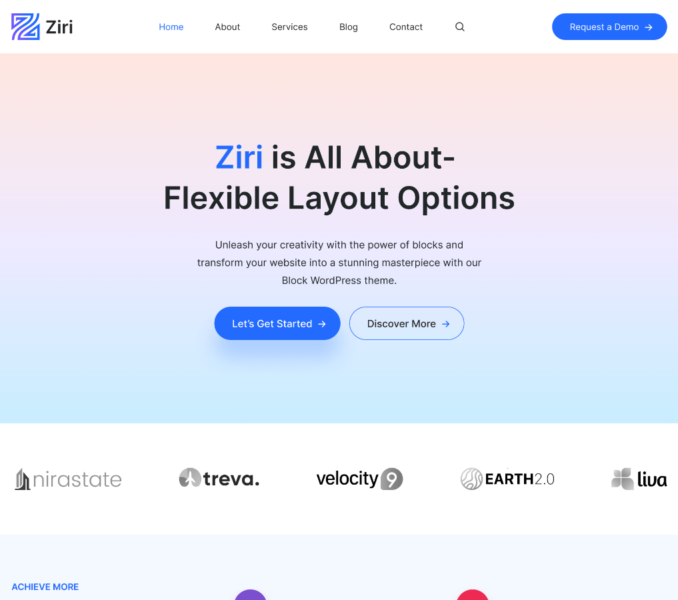
The Ziri theme uses the Site Logo block as the logo placeholder on the site header. You can follow the below listed steps to add a site logo for your website:
- Go to Admin Dashboard > Appearance > Editor.
- Click on the Site Logo block.
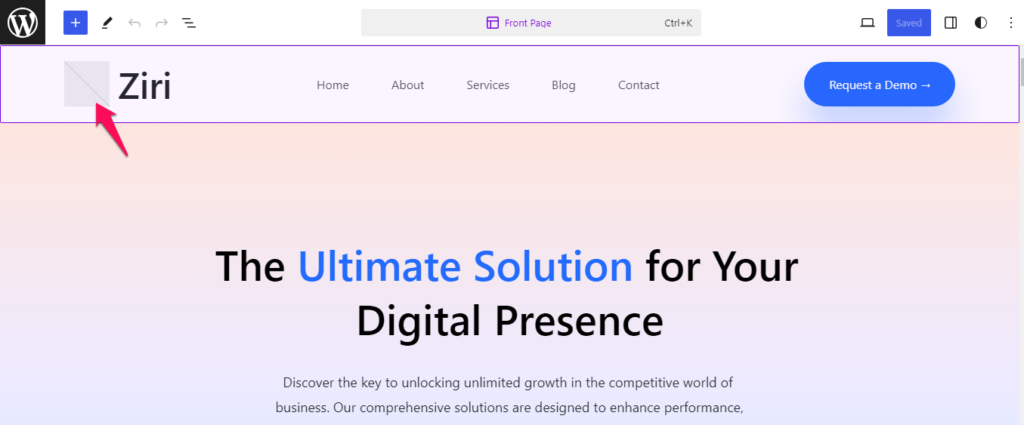
- Upload a logo image or choose one from your Media Library and click Select.
- Configure the necessary block settings for the added logo image.
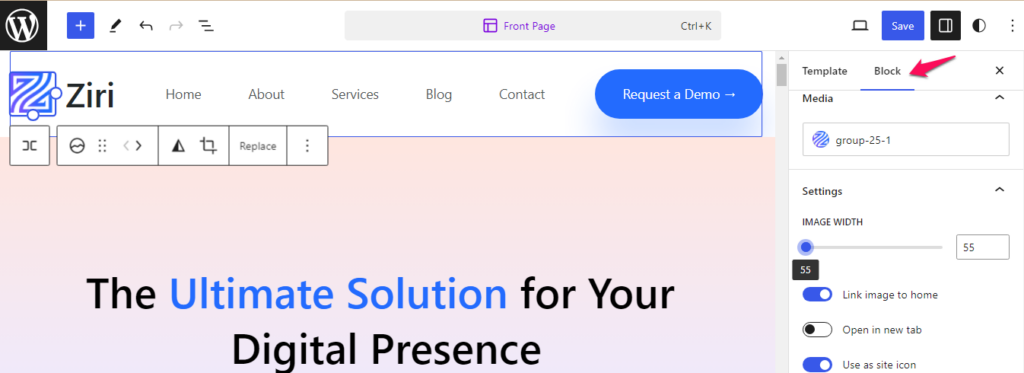
- Click on Save button to publish the changes made.