

The Custom Scripts allows you to inject custom code snippets to the header, body and footer file of your entire website. You need to add the code between the <script></script> tag. This feature removes the hassle of manually editing the theme files or adding any third party plugins to add custom codes.
You can access the Custom Scripts via Admin Dashboard > Ziri > Settings > Customs Scripts.
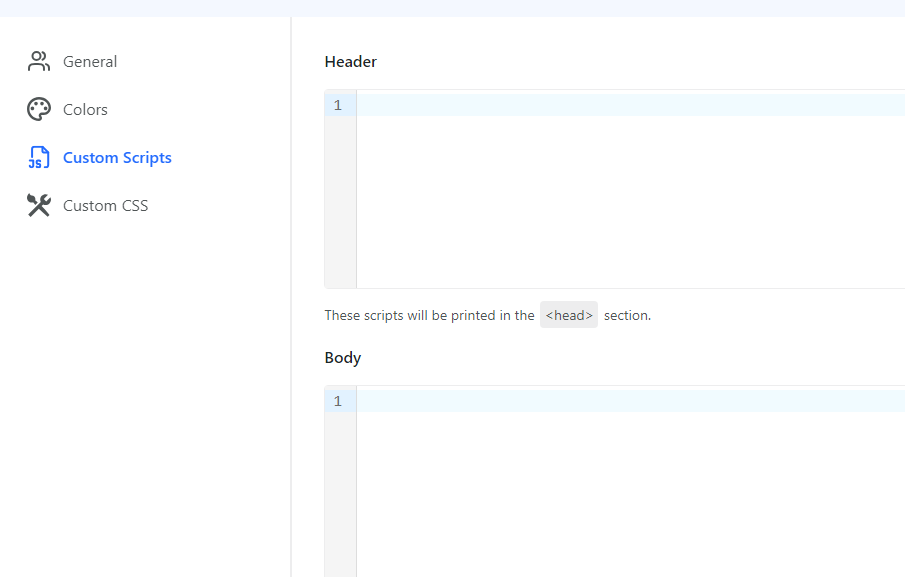
Configuring Custom Scripts Settings
- Enter your header, body or footer scripts in the respective field.
- Click Publish.