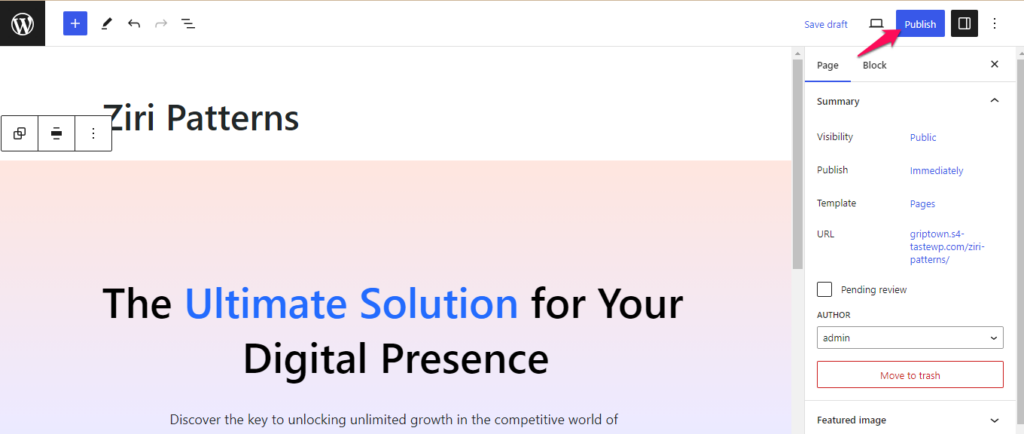

You can follow the below listed steps to add a Ziri Pattern to a page of your website:
- Go to Admin Dashboard > Pages > Add New to create a page and enter the page title.
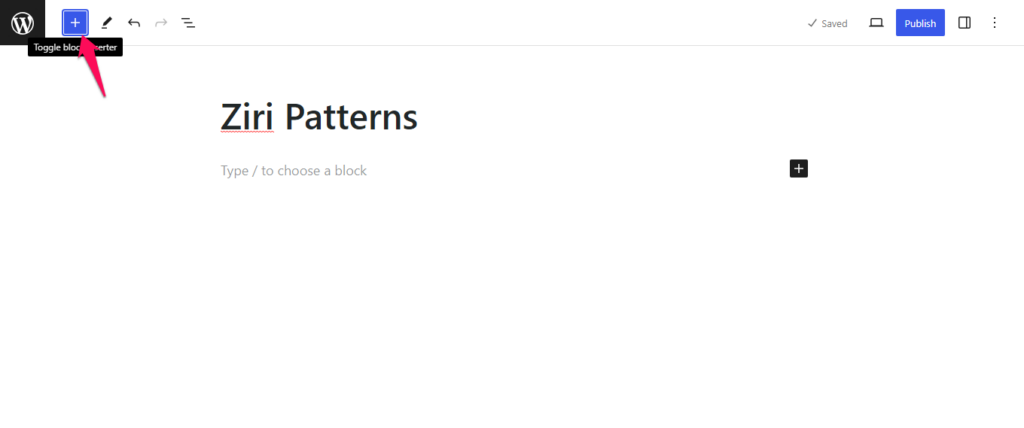
- Click on the Toggle block inserter icon.
- Click on the Patterns tab.
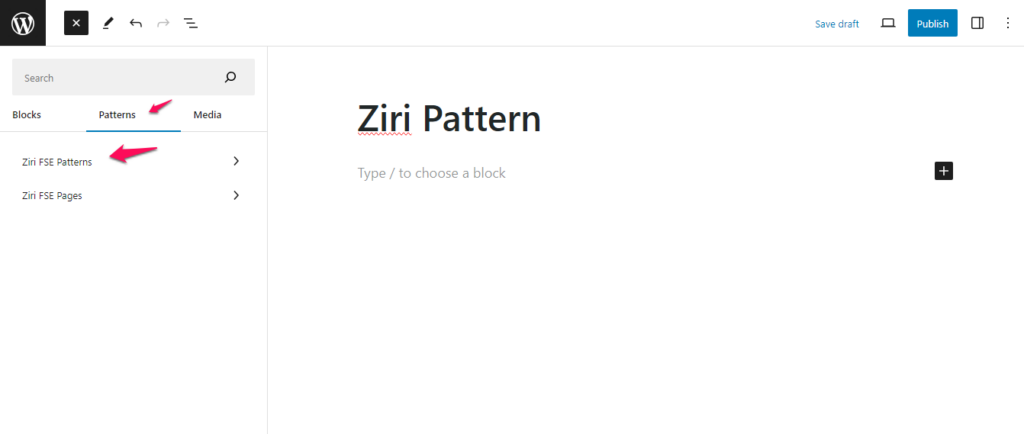
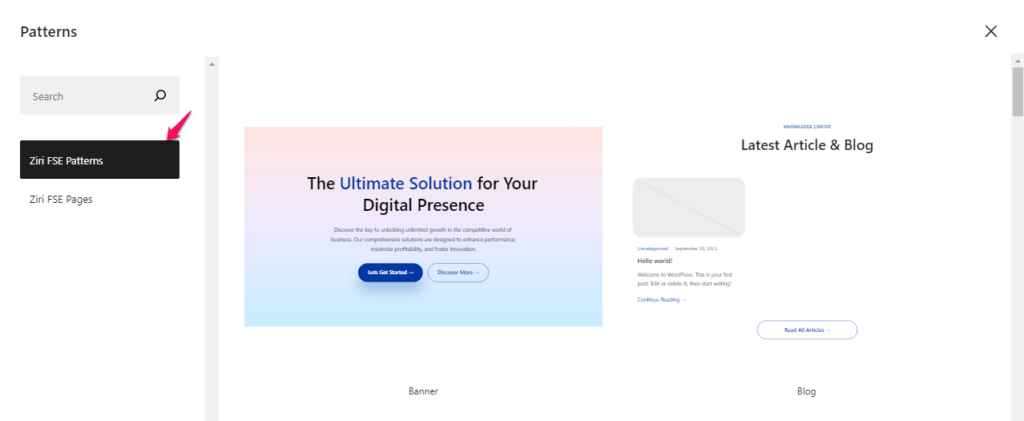
- You can either directly select the available Ziri FSE Patterns from the dropdown option or click on Explore button and then select a Ziri FSE Pattern option.
- Click on the available pattern/block that you want to add on your site page.
- Modify the added block as per your requirement.
- Click Publish to save the changes made.