
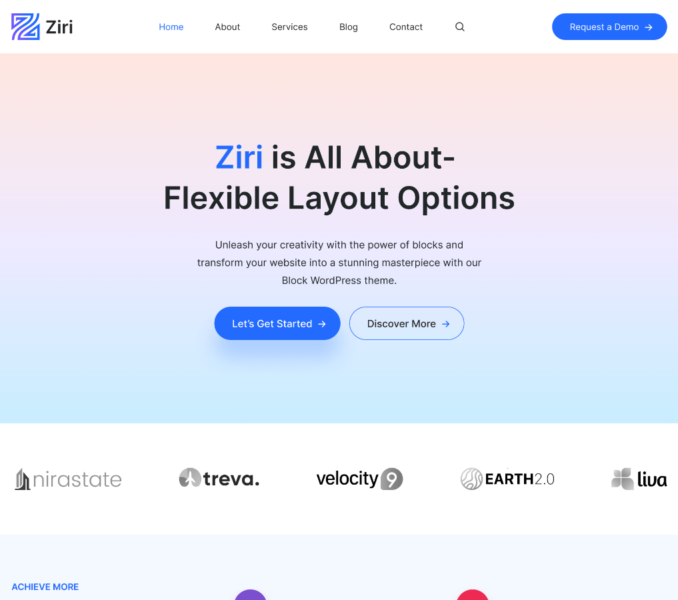
The following are the steps included for creating a new Template Part:
- Go to Admin Dashboard > Appearance > Editor.
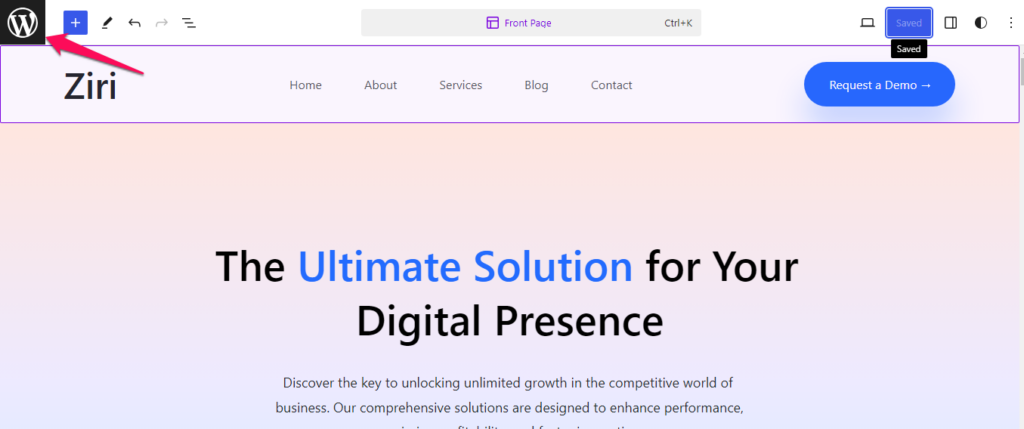
- Click on the Toggle Navigation icon.
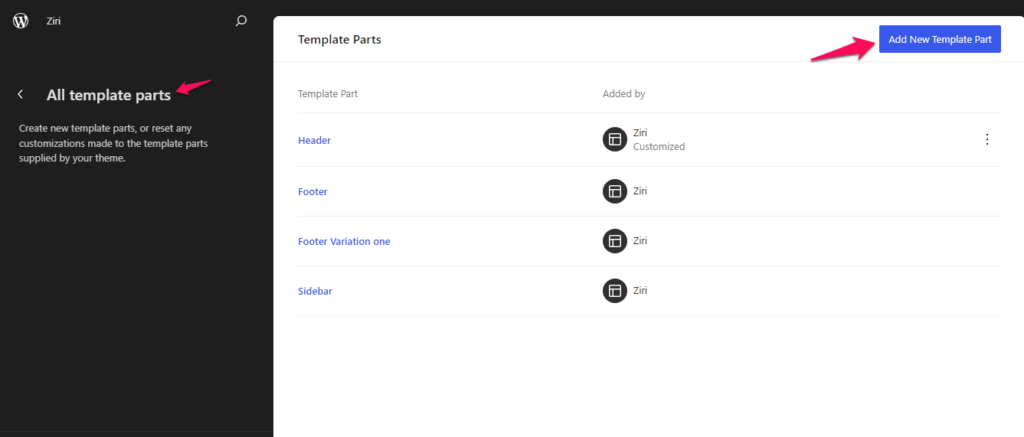
- Next, click on the Patterns tab and then click on the Manage all template parts tab. Click on Add New Template Part button.
- Enter the Name for the Template Part and choose the preferred Area.
- Click on Create.

- Click on the Toggle block inserter icon and select the blocks and patterns that you want to add.

- Enter the content and make necessary customizations.
- Click on Save button to publish the changes made.