

Please follow the below steps to configure Service Section Widgets
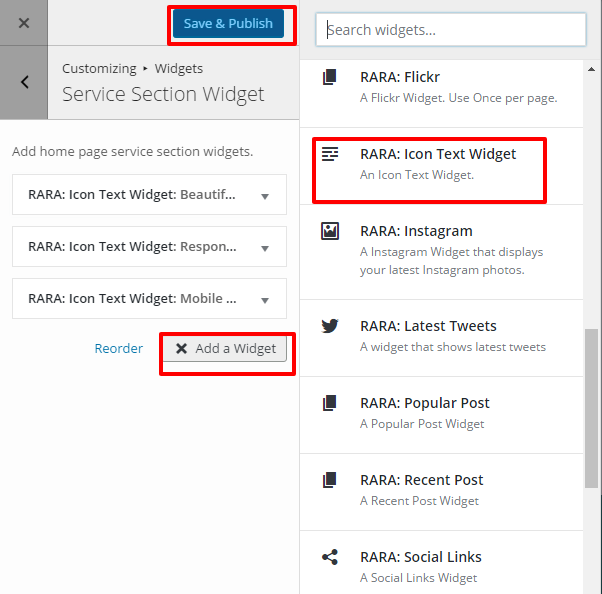
- Go to Appearance> Customize>Home Page Settings> Service Section Widgets
- Click Add a Widget.
- Insert RARA: Icon Text Widget under About Section Widget. ( To maintain the design it best to add the widgets in the batch of three)
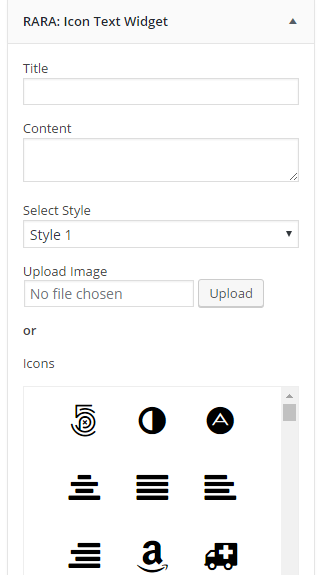
- Enter the necessary details for the widgets.
- Click Save & Publish
Note: You can also access and edit the Service Section Widget from Appearance>Widgets
Recommended Image for Service Section:
Width: 32px
Height: 32px