
You can display awards and achievement in this section
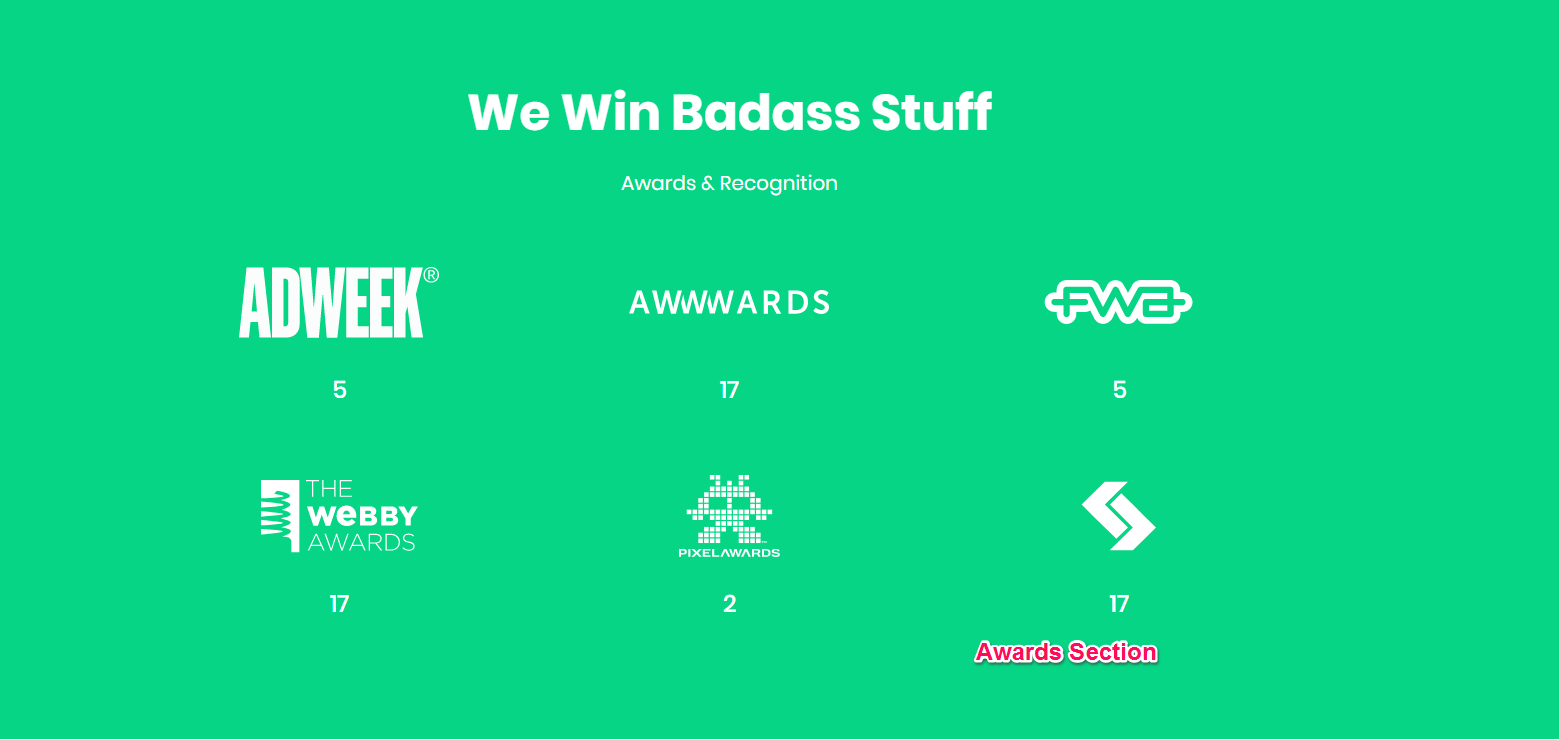
Please follow the below steps to configure the Awards Section
- Go to Appearance > Customize > Front Page Settings > Awards Section
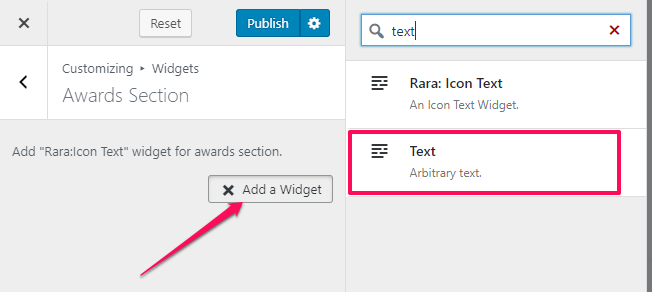
- Click on Add a Widget icon.
- Enter text in the search bar and select the text widget
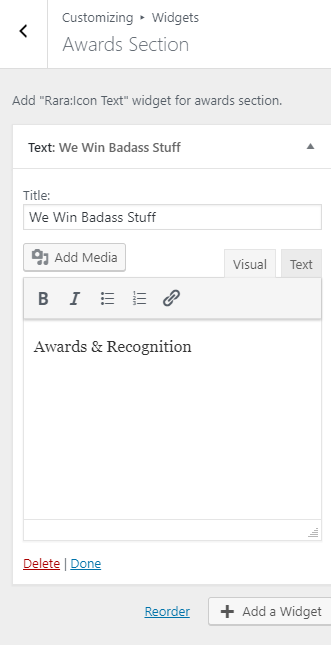
- Enter Title and Description.
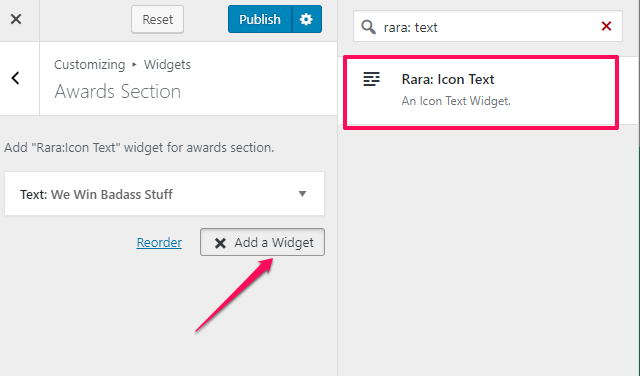
- Click on Add a widget icon.
- Enter Rara: Icon Text in the search bar and select the widget
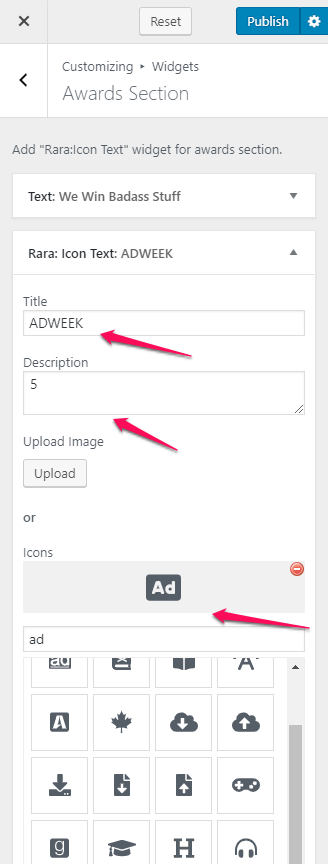
- Enter Title, Description, and select Icon
- Click on Publish when done.