Please follow the below steps to configure Best Sellers Packages
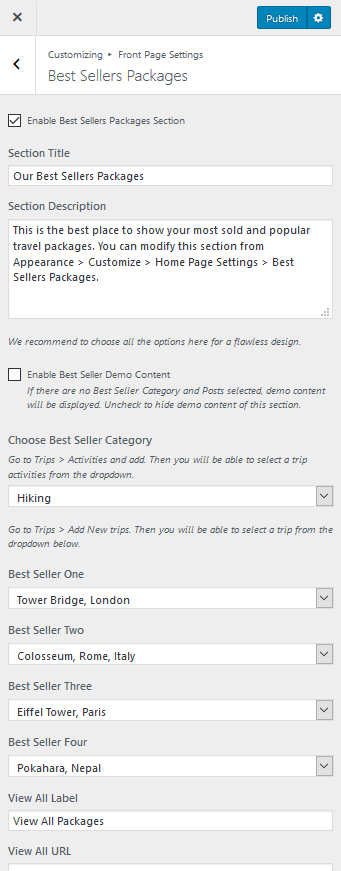
- Go to Appearance> Customize> Front Page Settings> Best Sellers Packages
- Check Enable Best Sellers Packages Section
- Enter the section title and description.
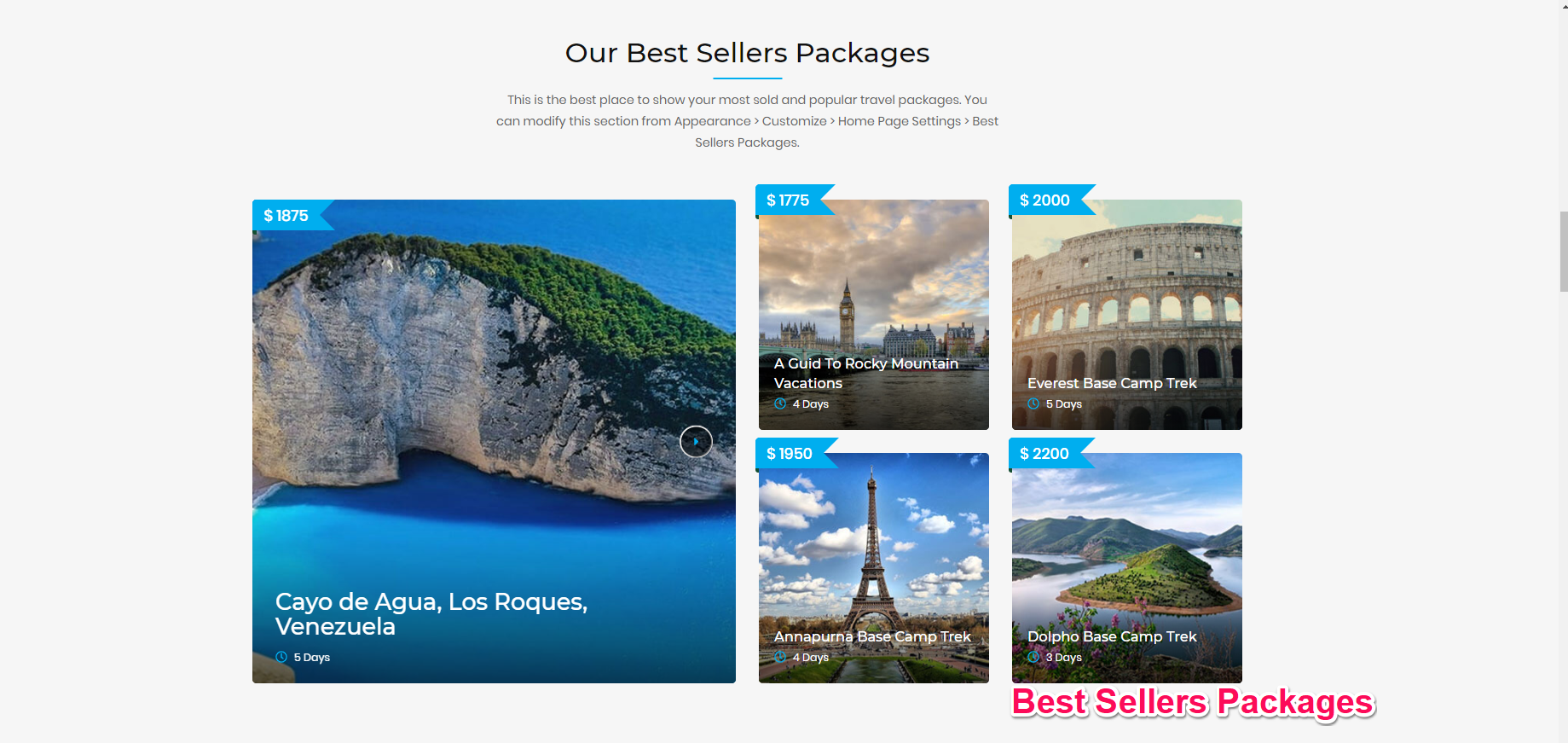
- Choose an activity. Only the activities that are assigned to the trips are shown. All the trips that have the selected activity will only be displayed in a slider on the left half of the section. You can add activities from Trips > Activities on the WordPress dashboard.
- Disable Best Seller Demo Content if you have your content.
- Select 4 trips as your best seller package
- Enter View All button label and link. The button will be displayed only when the link field is not empty.
- Click Publish