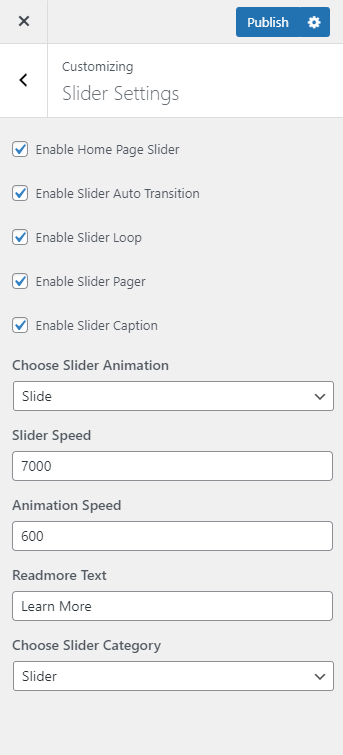


Please follow the given steps to configure Slider Settings.
- Go to Appearance > Customize > Slider Settings.
- Check Enable Home Page Slider to show the featured slider on the homepage.
- Check Enable Slider to Auto Transition for the slides to transition automatically (auto-scroll) without a click.
- Check Enable Slider Loop to continue the slide transition in the loop
- Check Enable Slider Pager to allow manual navigation for paging control of each slide.
- Check Enable Slider Caption to show the post title to appear on the slider post image.
- Select the slider animation type to “fade” or “slide”
- Enter Slider Speed: Set the Interval (in milliseconds) at which the slider should change posts(if automatic transition is enabled). Default: 7000 (7 seconds)
- Enter Animation Speed: Set the speed of animations, in milliseconds. Default: 600.
- Enter the label for Readmore Text button.
- Choose the slider category.
- Click Publish